The first playable build of The Astral Sea for Minecraft 1.21.1 (Fabric) is out as a pre-release. You can download the Windows installer, a modpack for the Modrinth App or Prism Launcher, or the mod file on its own from the Downloads page.
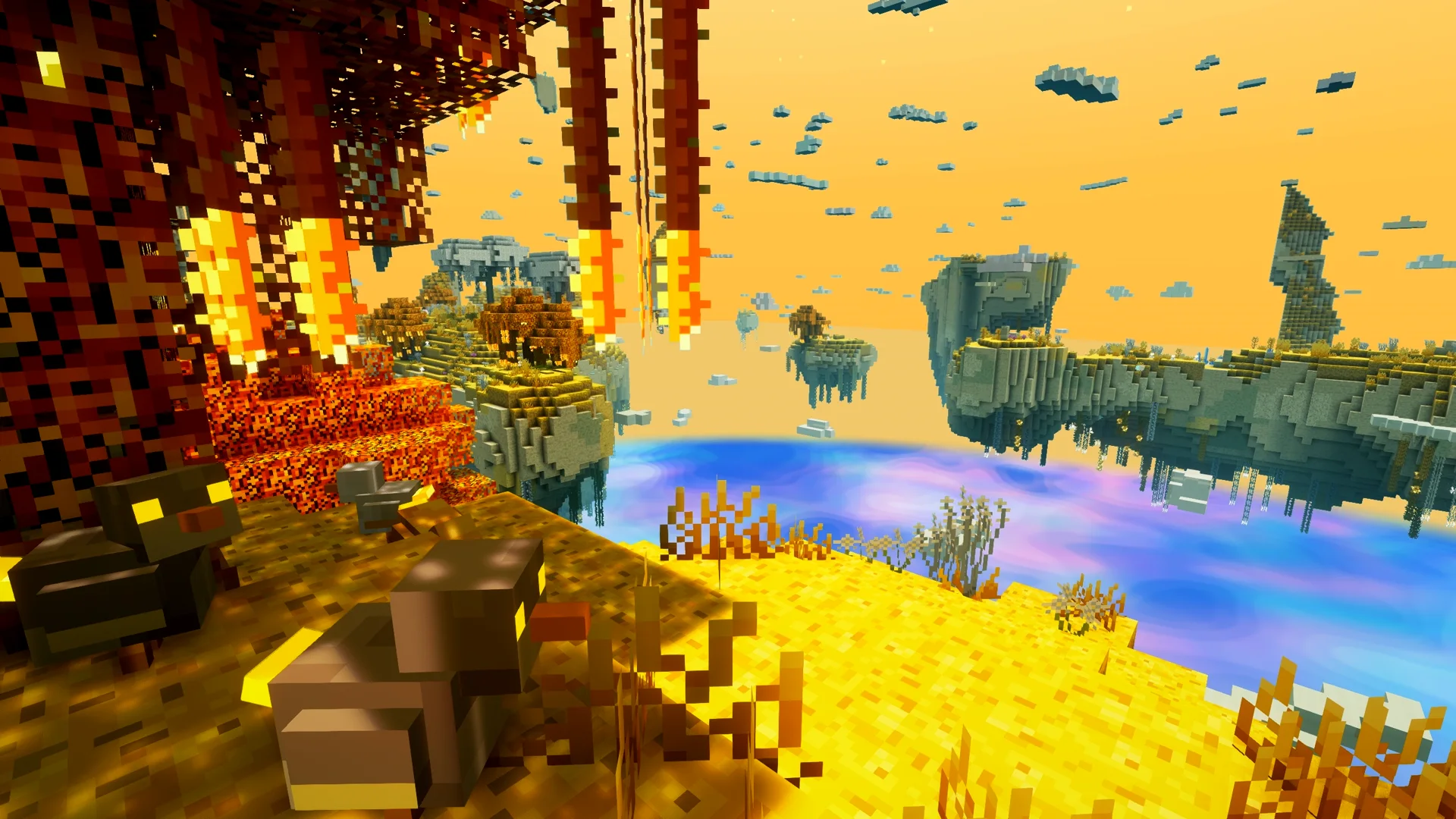
It brings nine biomes, from the golden terraces of the Astral Highlands to the lava rivers of the Shattered Furnace, more than 80 creatures with corrupted forms, and two dungeons with their bosses: the Astral Colossus in the Hollow Sanctum and the Toad Prince beneath the Wetlands.
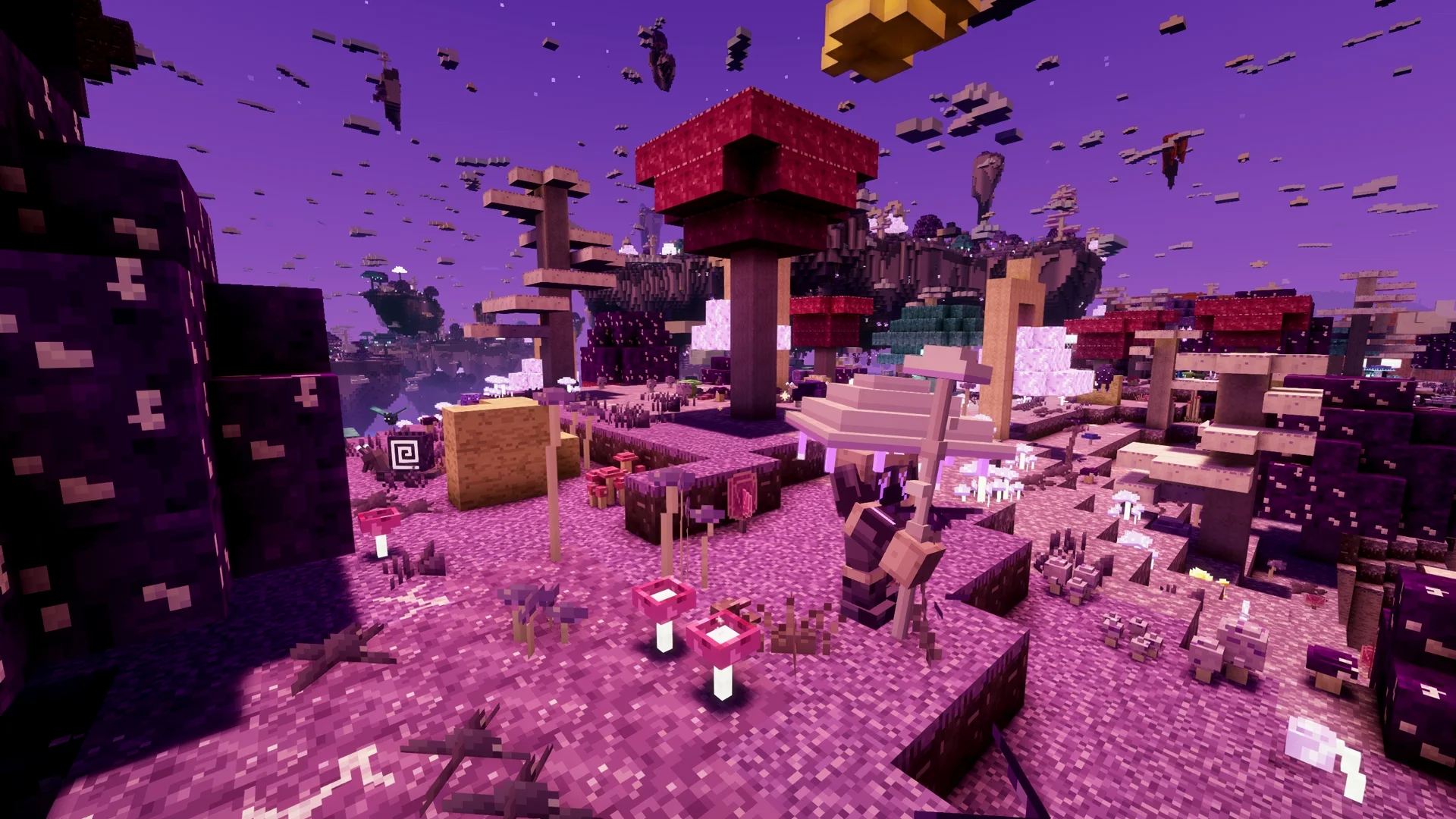
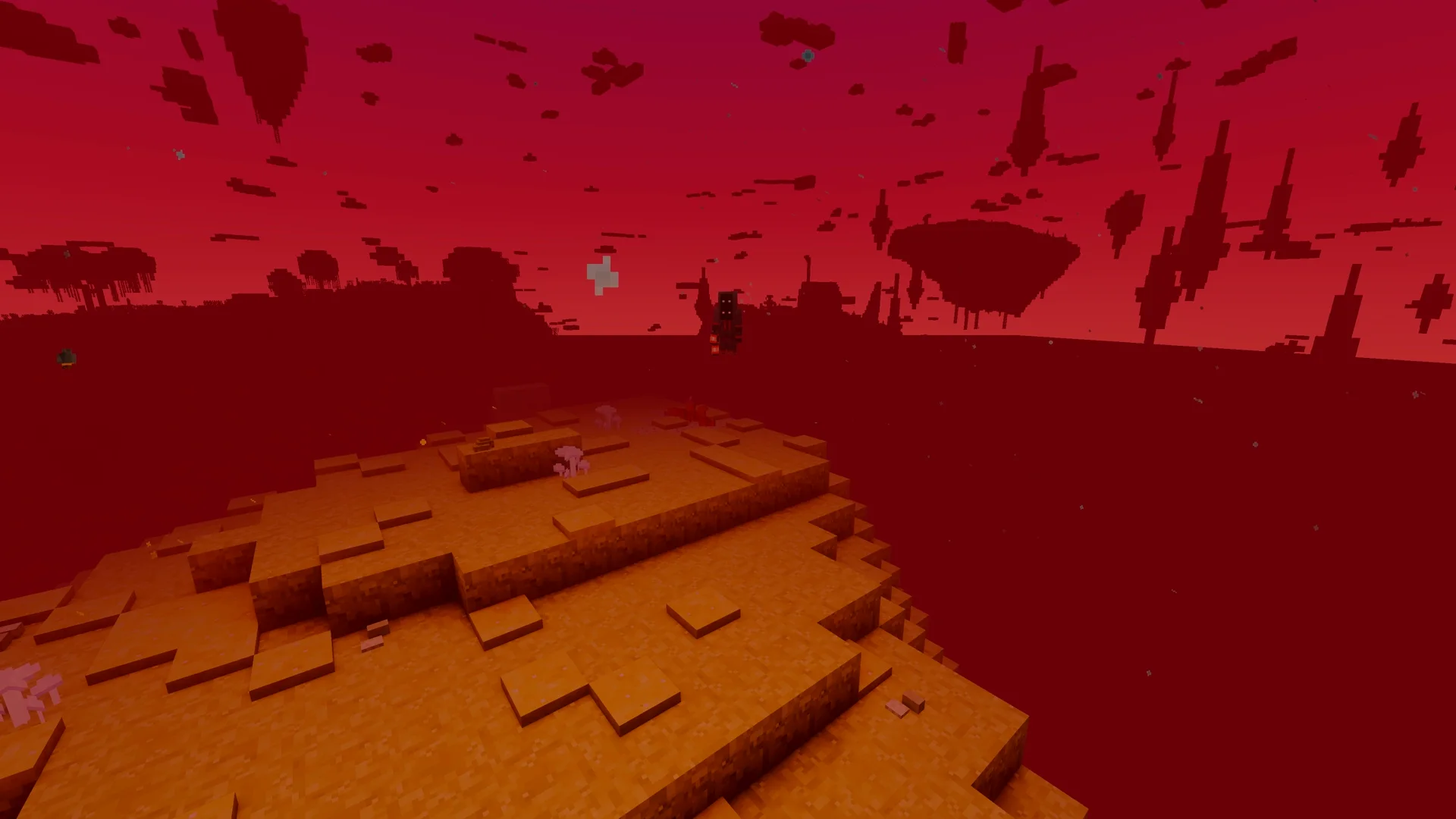
Spirit Storms, Astral Water, Soul Catchers and the Totem of the Lost Friend are in, as are Keldite and Astral Infused Diamond gear, the Astral Furnace and Infuser, the first steps of runecrafting and an original soundtrack.
Why pre-alpha: the build is unfinished and unbalanced, and there is no portal yet; in a world with cheats enabled, /astralsea tp takes you in. Back up your worlds before you try it.
In this version
- Nine biomes: Astral Highlands, Astral Wetlands, Shroom Viles, Astral Forest, Golden Forest, Frostveil Expanse, Caustic Slopes, The Fractured Heights and Shattered Furnace
- Over 80 creatures, plus corrupted forms through Universal Corruption
- Two dungeons with bosses: the Hollow Sanctum with the Astral Colossus, and the Toad Prince Dungeon
- Spirit Storms, Astral Water, Soul Catchers and the Totem of the Lost Friend
- Keldite and Astral Infused Diamond equipment with Astral Adaptation, the Astral Furnace and the Astral Infuser
- Runecrafting basics: Inscription Table, Runeforge, scrolls and rune stones (rune effects come later)
- Original soundtrack and sound design
Before you start
- Easiest way on Windows: run the installer, pick what you want (performance and shaders are optional) and choose your Minecraft folder. Then start the official Minecraft Launcher and select the profile "The Astral Sea". Windows may warn about an unknown publisher because the installer is not signed; click "More info" and "Run anyway".
- Using the Modrinth App or Prism Launcher instead: download the modpack and open the .mrpack file. It sets up Minecraft 1.21.1 with Fabric, Fabric API, Sodium, Iris, The Astral Sea and the Complementary Reimagined shader in its own instance.
- Pre-alpha: unfinished, unbalanced and not ready for survival worlds. Back up your world before trying it.
- Requires Fabric Loader 0.19.5 or newer and Fabric API (0.116.17+1.21.1). Iris and Sodium are optional; shaders such as Complementary Reimagined and Rethinking Voxels are supported.
- There is no portal yet. In a world with cheats enabled, use /astralsea tp to enter the dimension. Falling into the Astral Sea takes you back to the Overworld, the Nether or the End.
Questions
- Which Minecraft version do I need?
- Minecraft 1.21.1 with the Fabric Loader 0.19.5 or newer and Fabric API. The Windows installer and the modpack set this up for you.
- How do I get into the Astral Sea?
- There is no portal yet. In a world with cheats enabled, use /astralsea tp. Falling into the sea below the islands takes you back to the Overworld, the Nether or the End.
- Can I use shaders?
- Yes, with Iris. Complementary Reimagined and Rethinking Voxels are supported; Iris and Sodium are optional.
- Is it safe for my survival world?
- It is a pre-alpha: unfinished and unbalanced. Back up your world before you try it, or start a new one.
- Where can I download it?
- On the Downloads page: the Windows installer, a modpack for the Modrinth App or Prism Launcher, or the mod file on its own.